Build a snowman
Three balls sized on the stepper and set into each other, a top hat, and a face of small cubes.
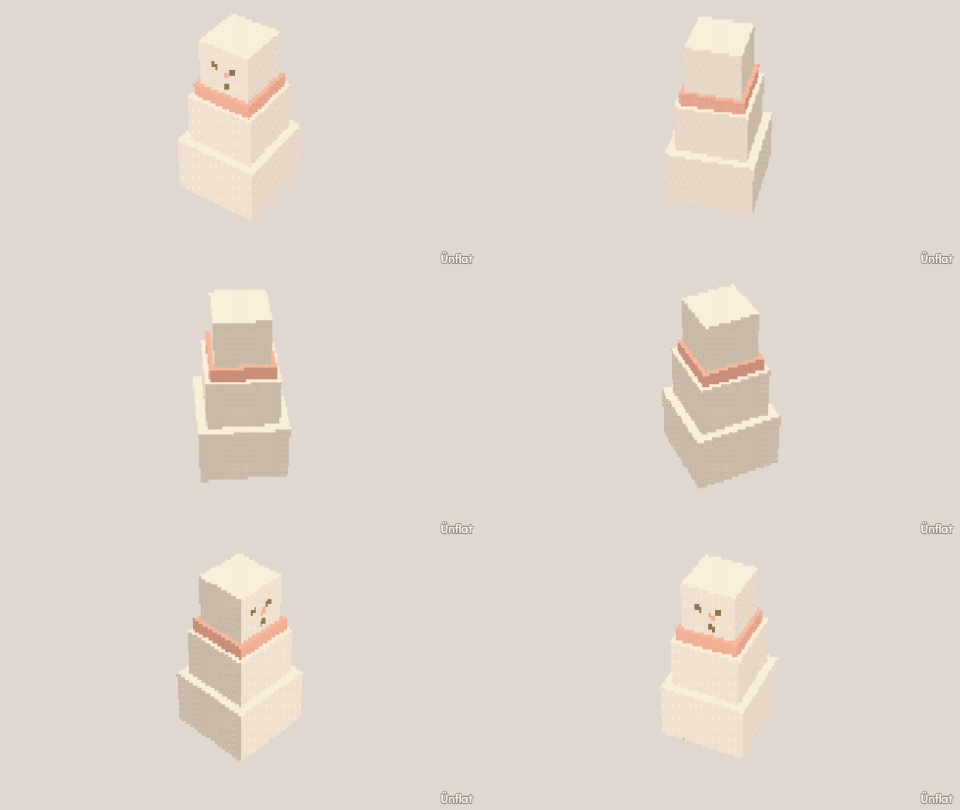
Video coming soon. The written walkthrough below is the whole build.
Written walkthrough
Stack three balls into a snowman with a hat, eyes, a nose and buttons. This is the Snowman card in the app’s Learn tab.
1. Drop the bottom ball
Open a new fig and select Sphere. Set Size to 6 on the stepper, tap open floor, and press Drop . A Sphere has one Size: it sets the ball’s size before you drop it.
2. Stack the middle ball
Set Size to 4, tap the top of the bottom ball, and press Drop. Open Details and tap its row. On the Action tab tap Move, then Up. Select Medium on the Steps card and press Down once: the balls sit into each other.
3. Stack the head
Set Size to 3, tap the top of the middle ball, and press Drop. Move it Down once the same way.
4. Give it a hat
Select Cylinder. A wide, flat one on top of the head is the brim (Width 3, Height ¼). A narrower, taller one on the brim is the hat (Width 2, Height 2).
5. Add eyes, a nose and buttons
Select Cube and set every stepper to ½. Tap the front of the head for two eyes and a nose, and the front of the middle ball for buttons, pressing Drop each time.
6. Color it
In Color, fill the balls white, the hat and buttons black, and the nose orange.
Every piece stays separate, so the head, the hat and even the buttons can animate later.