Build a cat
A cat built the moving way: a body, a head, ears, a tail and a face, each its own piece.
Video coming soon. The written walkthrough below is the whole build.
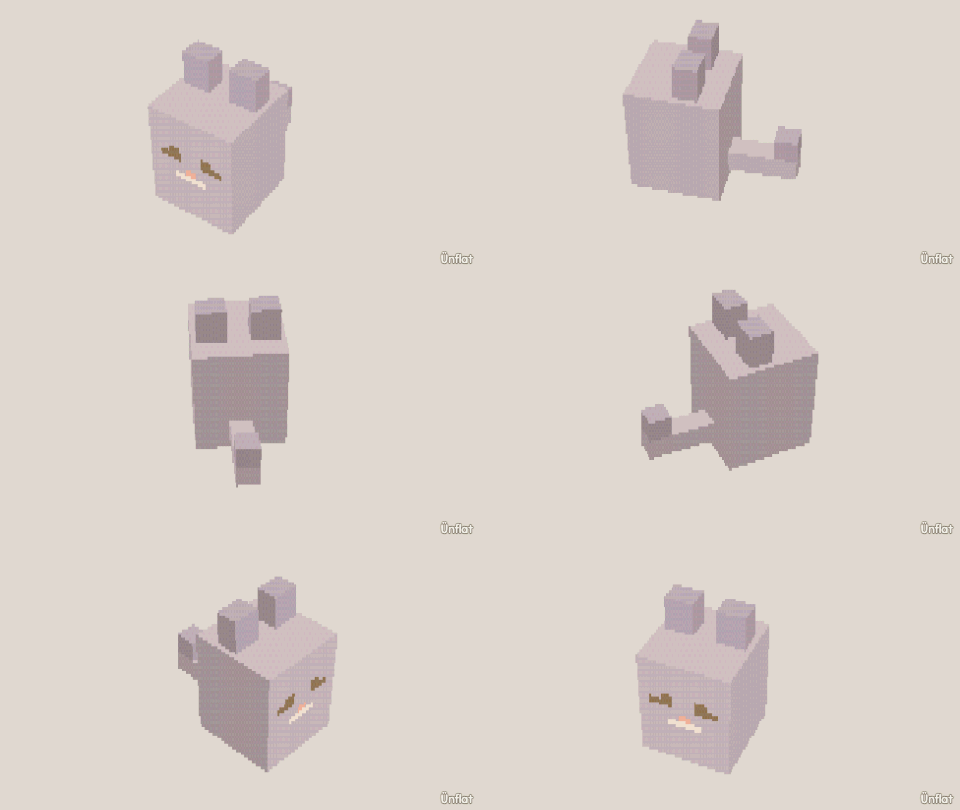
The finished fig
Have a look, or take the .glb: it drops straight into a game engine.
Written walkthrough
Build a cat from separate pieces, so the head, the ears and the tail can each move later. This is the Cat card in the app’s Learn tab.
1. Drop the body
Select Sphere, set Size to 4, tap the middle of the floor, and press Drop .
2. Make the body long
Open Details and tap the body’s row. On the Action tab tap Size, then Deep. Select Medium on the Steps card, then press Deeper once.
3. Drop the head
Set Size to 3, tap the top of the body near the front, and press Drop.
4. An ear, then its twin
Drop a Pyramid (Width 1, Height 1, Depth 1) on one side of the top of the head. Open Details and tap its row. On the Part tab, under More, tap Mirror a copy, then Make the mirrored copy.
5. A tail
Drop a Cylinder (Height 3, Width ½) on the back of the body. Open Details and tap its row. On the Action tab tap Turn, then Side. Select 45° on the Steps card and turn it so it leans up.
6. A face
A ½ Cube on one side of the face and Mirror a copy for the eyes. A small flat Cube for the nose.
7. Color it
Fill one fur color, dark eyes, and a pink nose.
To make it move: the tail is its own piece, so it can wag on its own. Switch to Animate and open Preset moves. Under New move, set Move to Sway (under Loops), then choose the tail under On. On Rig, the tail’s line shows it Attached to the body.