Build a TV
A box on a stand, a screen in the middle of its front, small knobs turned to face front, and antennas.
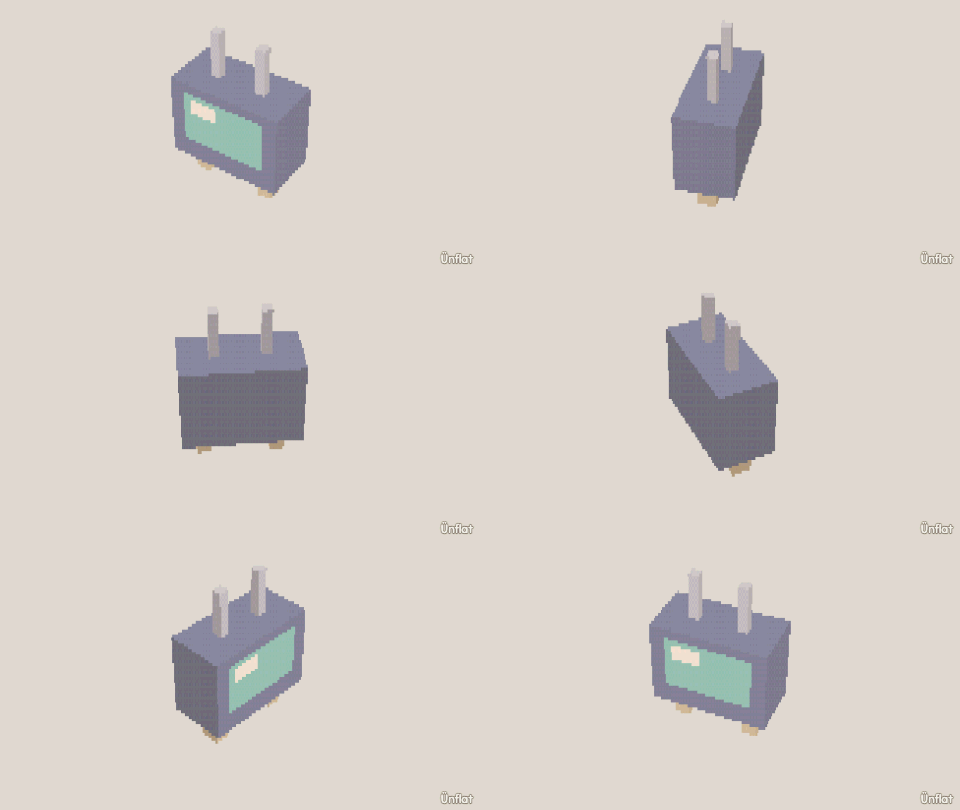
Video coming soon. The written walkthrough below is the whole build.
Written walkthrough
Build an old TV set from separate pieces. A shape tapped near the middle of a side is placed centred on it. This is the TV card in the app’s Learn tab.
1. Drop the stand
Select Cube: Width 4, Height ½, Depth 2. Tap the middle of the floor and press Drop .
2. Set the TV on the stand
Cube: Width 6, Height 4, Depth 3. Tap the middle of the stand’s top and press Drop.
3. Drop the screen on the front
Cube: Width 4, Height 3, Depth ¼. Tap the middle of the TV’s front and press Drop.
4. Two knobs
Drop a Cylinder (Height ½, Width ½) beside the screen. Open Details and tap its row. On the Action tab tap Turn, then Side, and press Turn right once so it faces front. Do it again below.
5. Antennas
A thin Cylinder on top, near the left end. Open Details and tap its row. On the Action tab tap Turn, then Front, select 15° on the Steps card and turn it out a little. Then on the Part tab, under More, tap Mirror a copy, then Make the mirrored copy.
6. Color it
Fill a warm body, a teal screen, and dark knobs.