Build a tree
A trunk and three pyramids, each a step smaller, stacked into a pine.
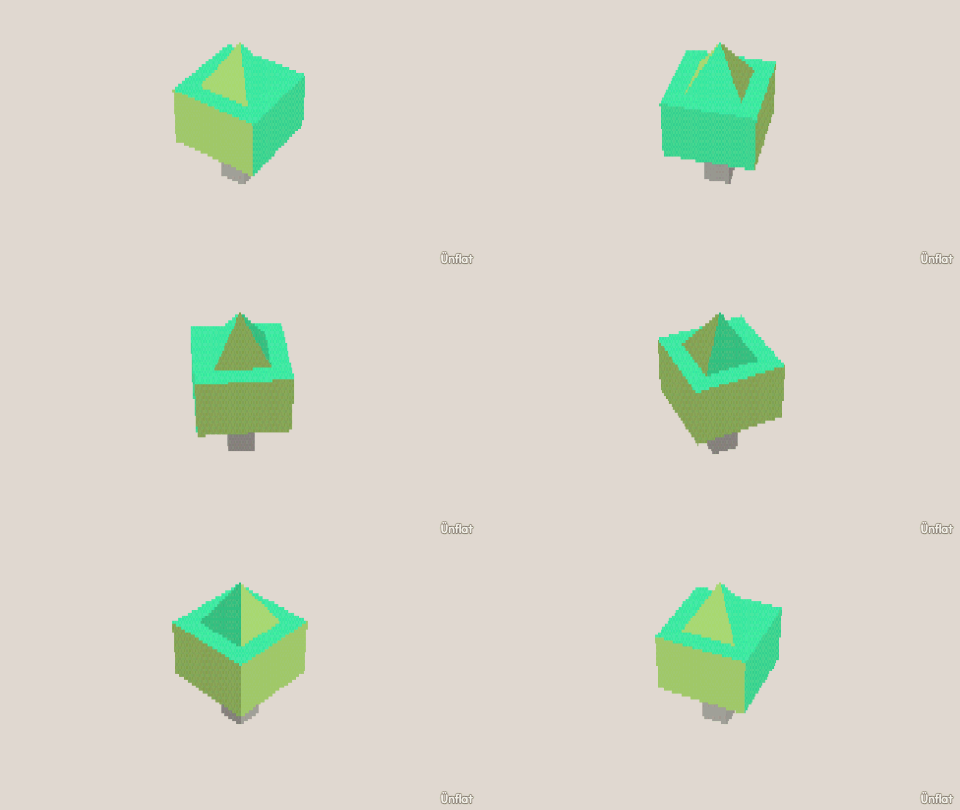
Video coming soon. The written walkthrough below is the whole build.
Written walkthrough
Build a pine tree from a trunk and three pyramids. This is the Tree card in the app’s Learn tab.
1. Drop the trunk
Select Cylinder: Height 2, Width 1. Tap open floor and press Drop .
2. The bottom branches
Select Pyramid: Width 6, Height 3, Depth 6. Tap the top of the trunk and press Drop.
3. Two more, each smaller
Set the Width and Depth steppers to 4, then 2, and drop each one on the top of the one below. After each Drop, open Details and tap its row. On the Action tab tap Move, then Up. Select Medium on the Steps card and press Down once: it sits into the one below. Even sizes let each one sit centred on the one below.
4. Color it
Fill a brown trunk and three greens, dark at the bottom to light at the top.