Build a table
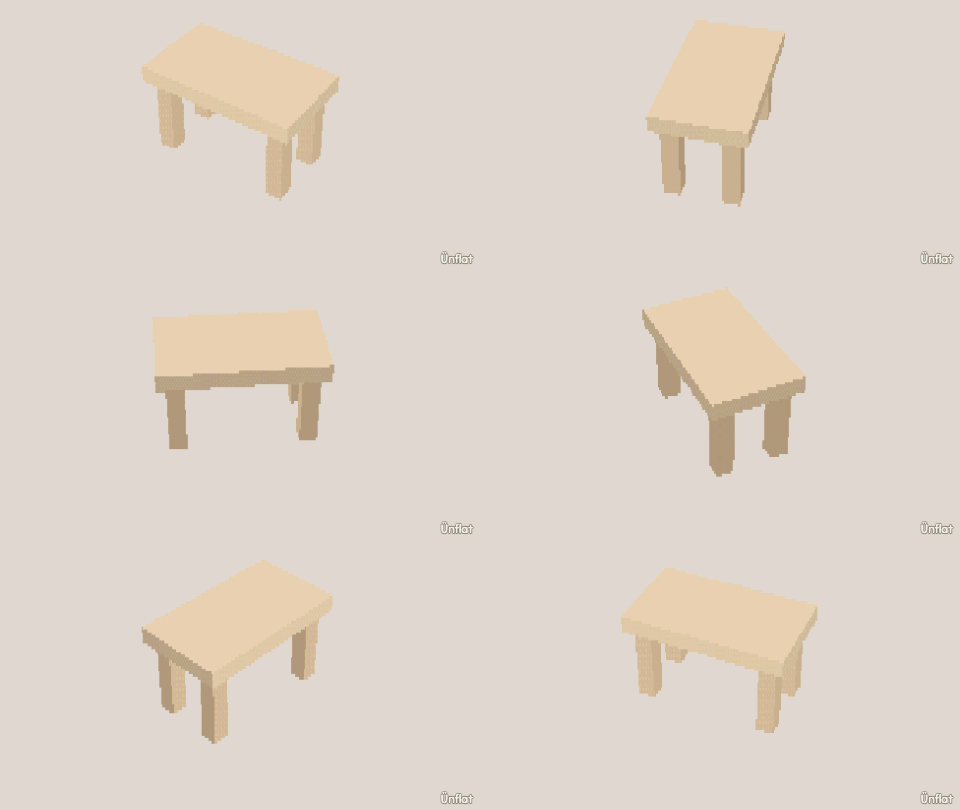
A top in the middle, lifted on its page, and a leg under each corner.
Video coming soon. The written walkthrough below is the whole build.
Written walkthrough
Build a table from a top and four legs. The top goes first and is lifted, so the legs fit under it: a top tapped onto one leg is placed centred on that leg. This is the Table card in the app’s Learn tab.
1. Drop the top
Select Cube: Width 6, Height ½, Depth 4. Tap the middle of the floor and press Drop .
2. Lift the top
Open Details and tap its row. On the Action tab tap Move, then Up. Select Medium on the Steps card and press Up three times.
3. A leg under each corner
Select Cylinder: Height 3, Width 1. Tap the floor under a corner of the top and press Drop. Do the same under the other three.
4. Color it
Fill the legs a darker brown and the top a lighter one.