Mirror a copy
Build one arm, name it, and press Mirror a copy to get its twin on the other side.
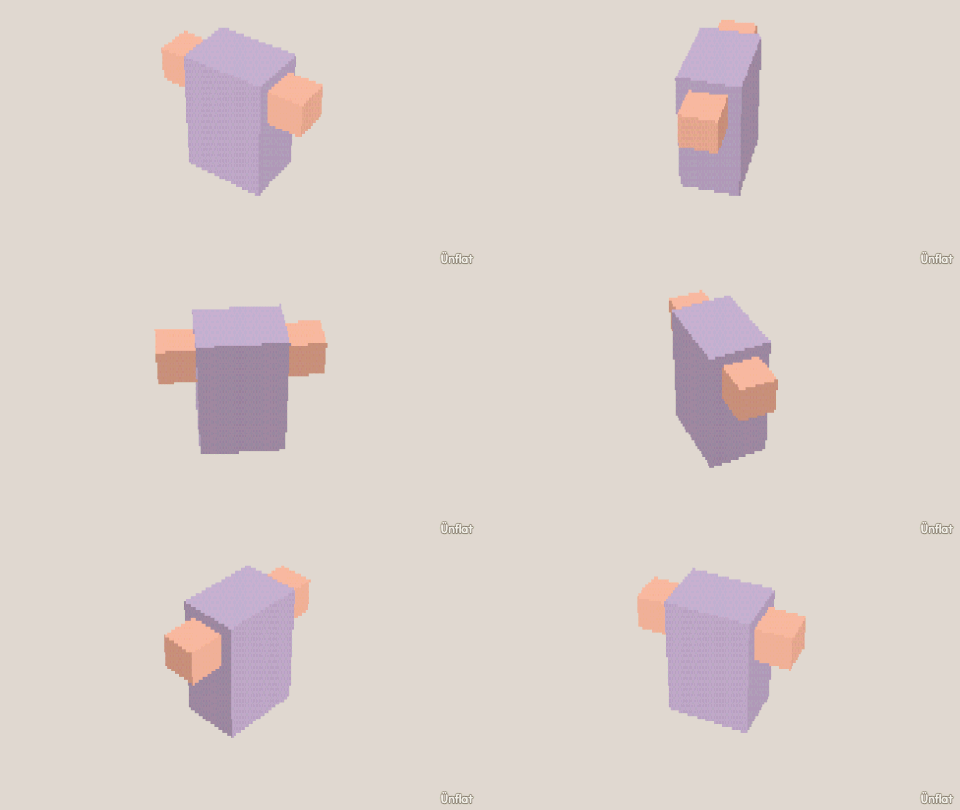
Video coming soon. The written walkthrough below is the whole build.
Written walkthrough
The one-tap way to make a matched pair: Mirror a copy flips a part across the middle. It is faster than dropping twins by hand, and they always match. This is the Twin Arms card in the app’s Learn tab.
1. Drop the body
Select Cube: Width 4, Height 3, Depth 2. Tap the middle of the floor and press Drop . Mirror a copy flips across the middle of the world, and a body an even number wide stands centred on it, so the copy is placed outside it too.
2. Drop the head
Select Sphere, set Size to 4, tap the top of the body, and press Drop.
3. Drop one arm beside it
Select Cube: Width ½, Height 2, Depth ½. Tap the middle of one side of the body and press Drop.
4. Name it Arm
Open Details and tap the arm’s row: its page opens. Tap Part, then Rename, and type Arm.
5. Mirror a copy
On the Part tab, under More, tap Mirror a copy. Leave Direction on Side and Across on World middle, then tap Make the mirrored copy: the copy goes across the middle, facing the right way.
6. Eyes the same way
Drop a ½ Cube on one side of the face, then Mirror a copy of it.
7. Color it
Fill the pair to match.