Build an instant camera
A camera body, a lens turned to face front and pushed in, a flash, a viewfinder, and a rainbow stripe.
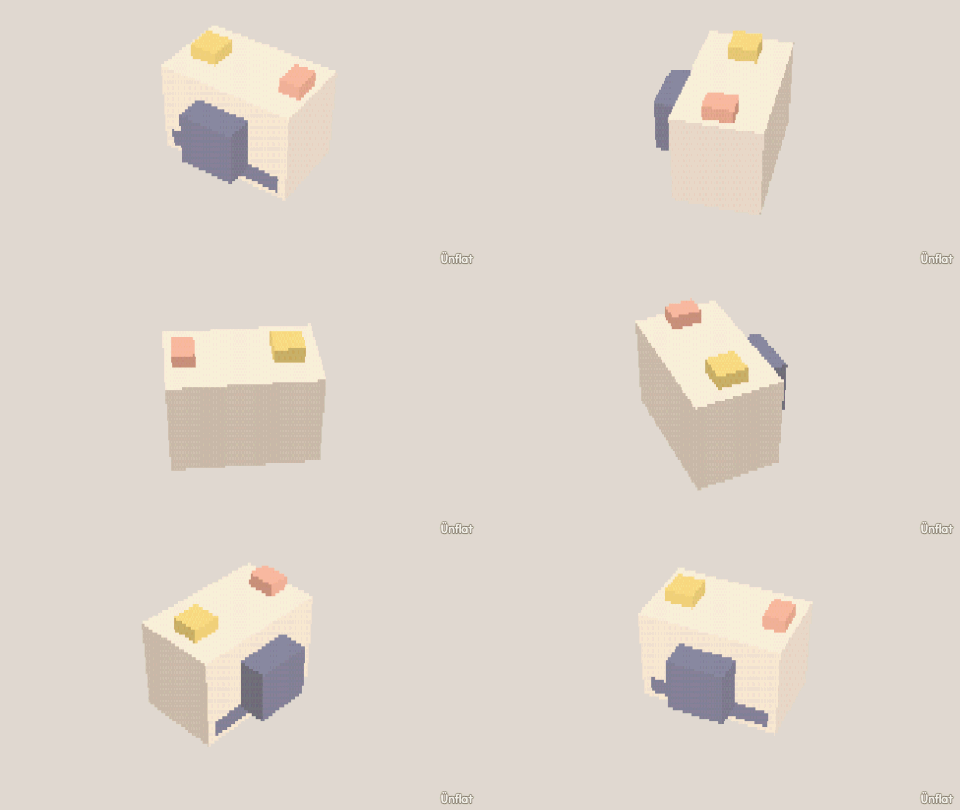
Video coming soon. The written walkthrough below is the whole build.
Written walkthrough
Build an instant camera from a box and a few small pieces. This is the Instant Camera card in the app’s Learn tab.
1. Drop the camera
Select Cube: Width 4, Height 3, Depth 3. Tap open floor and press Drop .
2. Make the lens
Drop a Cylinder (Height 1, Width 2) beside the camera. Open Details and tap its row. On the Action tab tap Turn, then Side, and press Turn right once so it faces front. Then tap Move and move it onto the front.
3. Recess the lens
Open Push in and select Medium. Tap the front of the lens, then press Push in.
4. A flash and a viewfinder
Two small Cubes on top: one Height 1, one Height ½.
5. The rainbow stripe
Five Cubes, Width ¼, Height 3, Depth ¼, side by side down the front.
6. Color it
Fill a white body, a dark lens, a yellow flash, and one color for each stripe.