Make a windy day
Plant trees, put Rustle on them, adjust the group, and set the Frame rate.
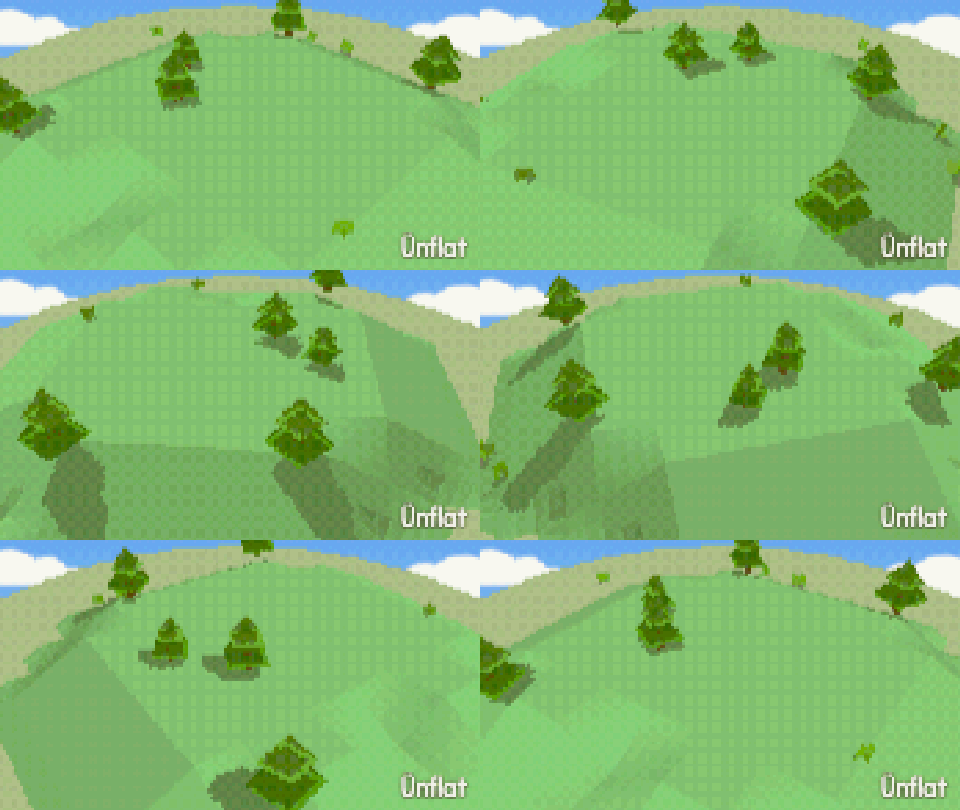
Video coming soon. The written walkthrough below is the whole build.
Written walkthrough
Plant trees, put the Rustle loop on them, then adjust it. This is the Windy Day card in the Learn tab.
1. Open Scenery
Open the World tab, then tap Scenery . The plants are there.
2. Plant some trees
The kind tiles are toggles. Turn Grass and Flowers off and Trees on, then tap the map a few times. Each tap plants a tree.
3. Open Animate
Open the Animate tab. The list on the left holds Paths, Loops and Timing. A path moves a fig through the scene. A loop moves it in place. See Scene animation .
4. Choose Rustle
Tap Loops. The page follows what is selected, and this step needs nothing selected. If something is selected, open the Select bar and tap None.
Under Make a new one, open the Loops dropdown and choose Rustle, under Scenery. The page reads Rustle is ready. Tap a fig and it starts at once.
5. Give it to the trees
Tap trees on the stage. The small corner map only pans. Tap ⇄ to enlarge the map if the trees are easier to tap there. Each tree starts moving when you tap it. The second tree makes a group named Rustle 1, and every tree after it joins the group. Tap a tree again to take Rustle off it. The page counts them: Rustle is ready. Rustle 1 has 3 figs so far.
Choose Rustle in the dropdown again to stop. The trees keep moving.
6. Open the group
Under Animations in this scene, tap the Rustle 1 row. The page reads Affects the group, and every control on it sets all the trees at once. Rename gives the group a name of your own.
7. Tune the wind
Amount and Speed set the shake. One after another spreads the timing: Random looks like wind, In a wave starts each tree a little after the last, with a Delay row for the gap, All together moves every tree at once, and On the beat follows the scene’s tempo.
8. Set the frame rate
Open Timing and set Frame rate: Smooth · 24 a second, Choppy · 12 a second, Stop motion · 6 a second, or Flip-book · 3 a second. It sets how the whole scene moves, not only this group.
Every loop is applied the same way (Bob for boats, Flutter for flags). Tumbleweed is a path: choose it on Paths, and tap figs.