Build a vase
Open the mouth of a cylinder, slice two lines into it, squeeze a neck and round a belly.
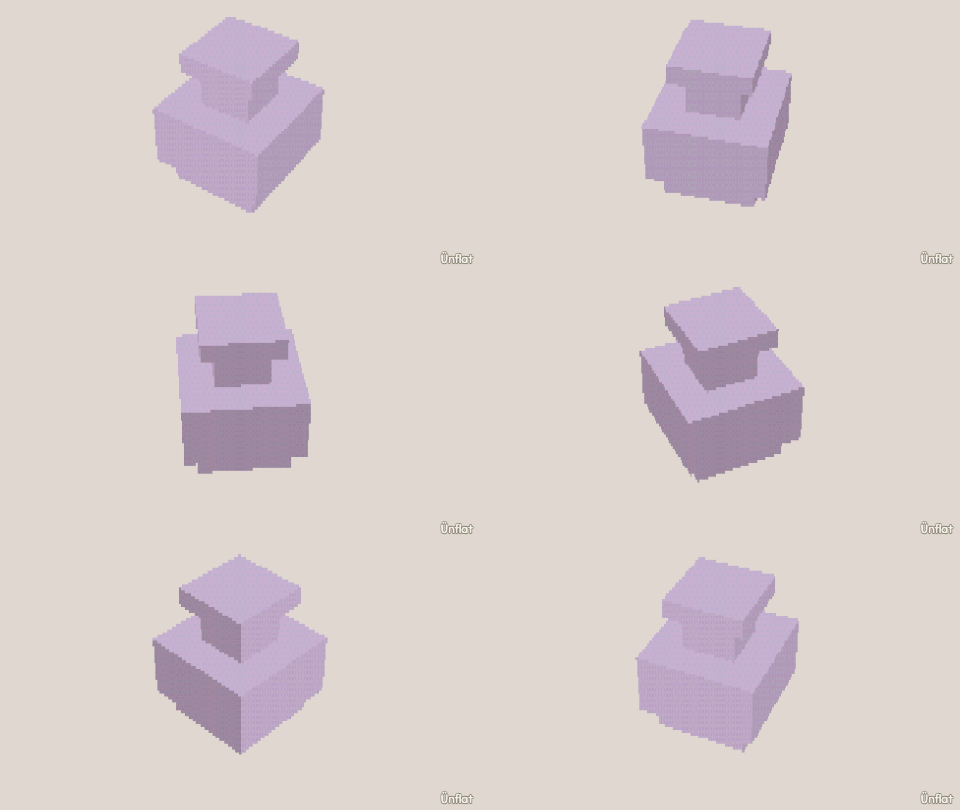
Video coming soon. The written walkthrough below is the whole build.
Written walkthrough
Shape a vase from one cylinder. Push the mouth in first: once the neck is squeezed there is no room to carve down from the top. A cylinder has no lines in its middle to tap, so slice two in after. This is the Vase card in the app’s Learn tab.
1. Drop the vase
Select Cylinder: Height 6, Width 4. Tap open floor and press Drop .
2. Open the mouth
Push in › Draw a shape on the top: a small ring of dots. Close it, then press Push it in.
3. Slice two lines
Open Cut , select Slice, set Across. Tap one third up the side and press Cut, then two thirds up and press Cut.
4. Squeeze in the neck
Open Resize and select Rings. Select Medium on the Steps card, tap the upper line, then press Thinner twice.
5. Round out the belly
Tap the lower line, then press Wider.