Build a mushroom
A stem, a ball dropped over it and chopped in half for the cap, and spots.
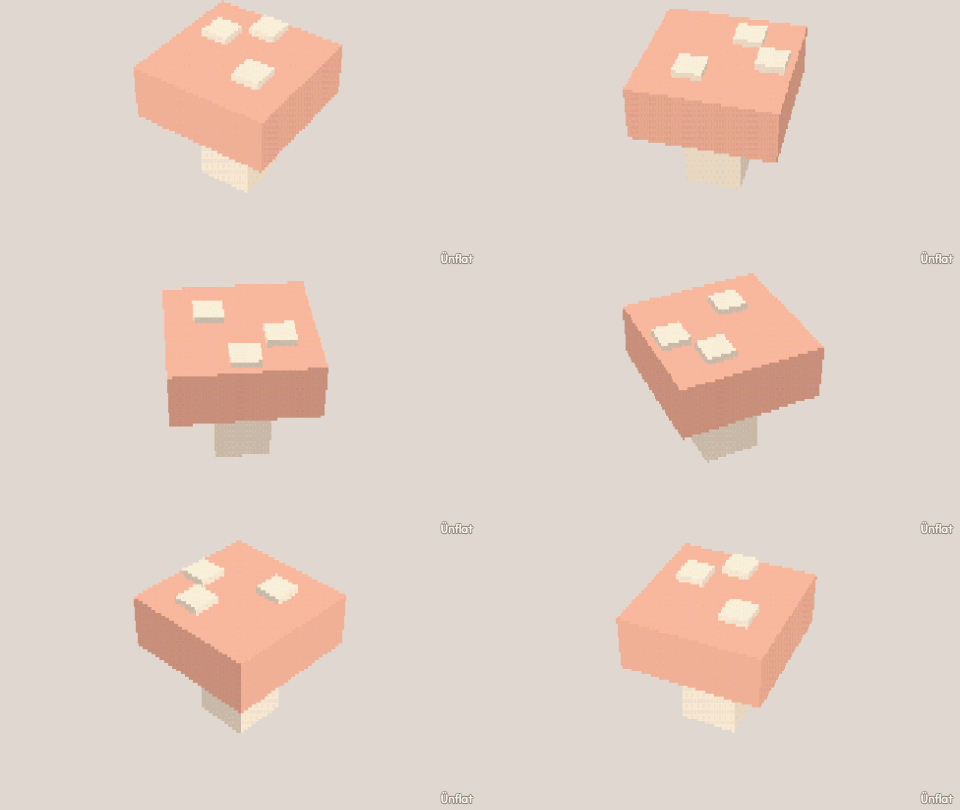
Video coming soon. The written walkthrough below is the whole build.
Written walkthrough
The cap is a ball cut in half. This is the Mushroom card in the app’s Learn tab.
1. Drop the stem
Select Cylinder: Height 3, Width 2. Tap open floor and press Drop .
2. Drop a big ball over it
Switch Touch to Overlap. Select Sphere, set Size to 5, tap the top of the stem, and press Drop.
3. Chop the ball in half
Open Cut , select Chop, set Keep to Top. Tap the ball at its middle, then press Chop: the cap remains.
4. Spot the cap
Switch Sits back to Touch. Select Cube: Width ½, Height ¼, Depth ½. Tap the cap in a few places, pressing Drop each time. A low-poly cap’s faces are too big to fill as dots.
5. Color it
Fill a red cap, white spots, and a cream stem.