Raise a little cottage
Drag a room onto the map, select the building, select a roof, and slide a door along a wall.
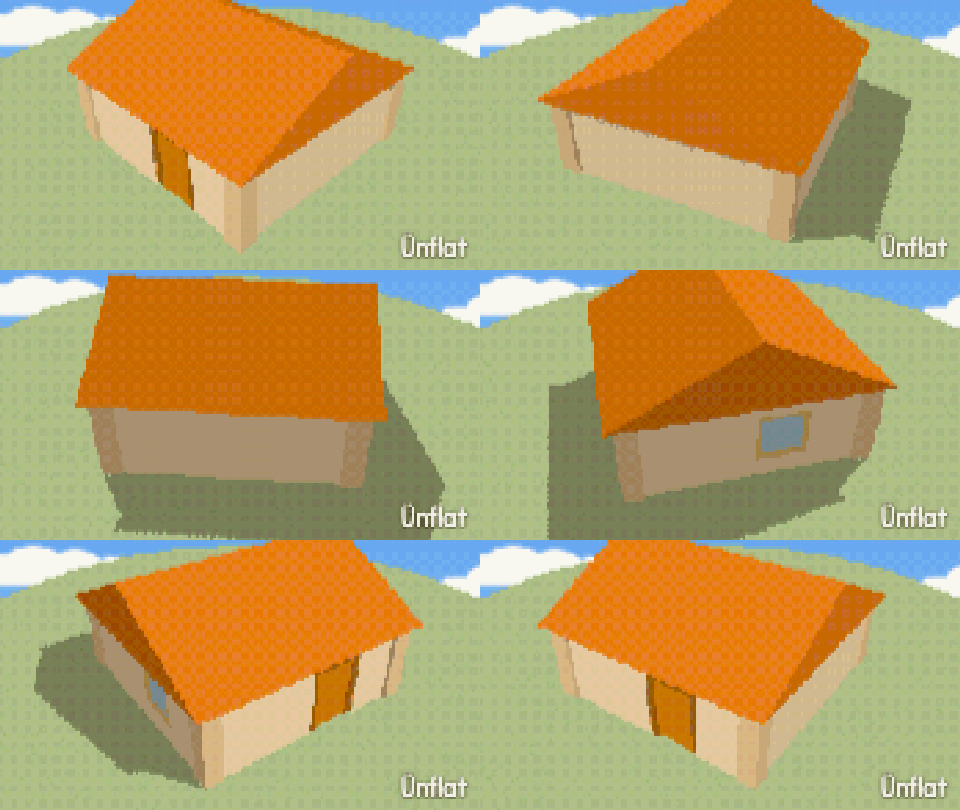
Video coming soon. The written walkthrough below is the whole build.
Written walkthrough
Draw a building on the map: a room from one drag, a roof from a tile, and a door that slides along a wall. This is the Little Cottage card in the Learn tab.
1. Open Build
Open the World tab, then tap Build. The Build card opens on its catalog: picture tiles for every piece. Select a building later and the same card shows that building’s page.
2. Draw the walls
In the catalog, tap the Room tile and drag a rectangle on the map. Four walls, a floor, and the corner posts are placed together. For another shape, tap the Wall tile and drag wall by wall; bends become corners. The Ground row decides how the building meets a hill: Carve or On top .
3. Select building
Open the Select bar, set What to Building, then tap the building on the map. Its outline lights up and the card shows the building’s page.
4. Roof it
In the Roof card, set Roof to On and select a roof from the sixteen picture tiles: Peaked, Hip, Barn, Mansard, Slanted, Pagoda, Flat, A-frame, Saltbox, Round, Clerestory, Steeple, Dome, Butterfly, Tent, or Sawtooth. Eaves is Narrow or Wide, and Turn the roof rotates it. The page’s other cards hold the walls, the floors and ceiling, the doors and windows, and the foundation.
The catalog shows the same sixteen. Arm the Roof tile there and a Roof kind row opens under the Roofs row. A tap sets the kind of the next roof you add.
5. Hang a door
Tap ‹ Catalogue to return to the tiles. Tap Door in the Doors row, then press a wall on the map. A preview shows where it will go. Drag along the wall to slide it, and lift your finger to place it. In the 3D view, tap a wall without dragging: a drag there turns the view. Panelled, Glass, Double, Sliding, and Shutter doors are in the same row. Windows, garage doors, and skylights are placed the same way.
The building’s page colors it part by part, each well in its own card: Outside, Inside, and Trim with the Wall style row under Walls, Flooring under Floors, the Roof well under Roof, and Foundation under Base. The Doors and windows card restyles every door, or every window, at once, and its Door color and Frame color color them all. To set a room’s look before you draw it, arm Room and set the Draw with row at the top of the catalog.